
The fix in 5 steps

You’ll need:
Fi Series 3 Smart GPS Collar
The catch: Runs on a Fi membership, monthly or annual.
In this guide
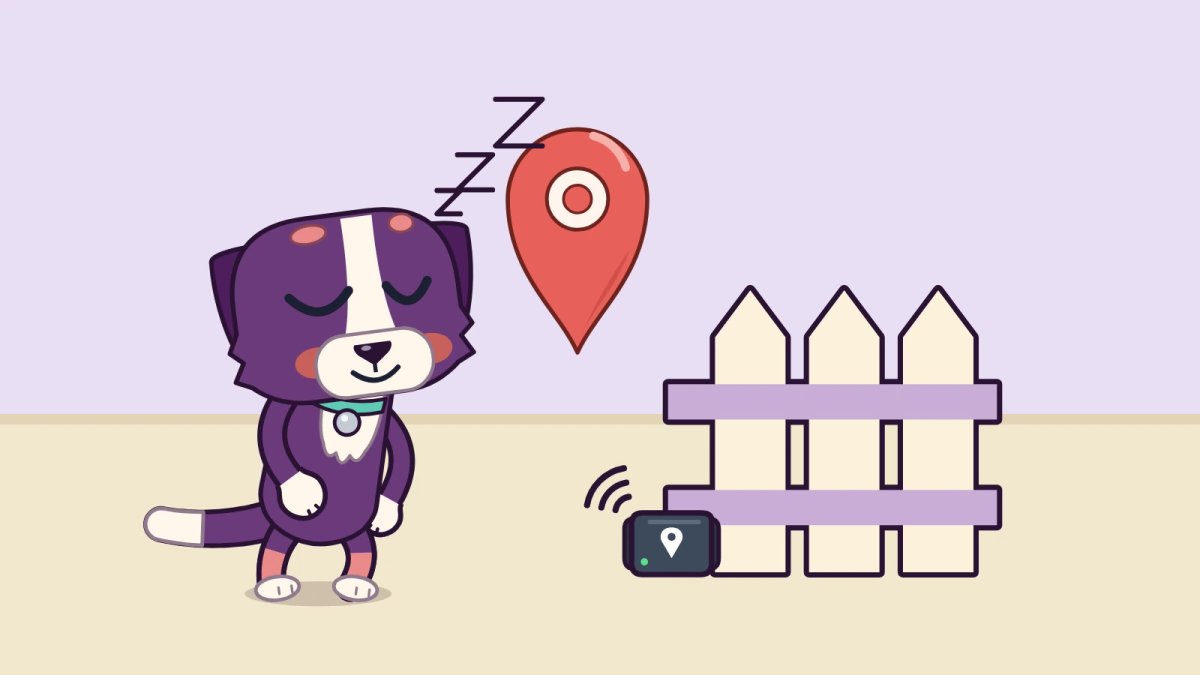
A GPS tracker shows you where your dog is if they get out. A GPS collar shows where your dog is right now; an AirTag shows where your dog was last near an Apple device. If your dog bolts, get live GPS: we would start with the Fi Series 3 Smart GPS Collar.
Watch out
Don't count on a microchip to find a running dog. A chip only helps after someone catches your dog and gets it scanned.
Set it up before you need it
- Charge the collar fully before the first walk.
- Fit it snug: Two fingers under the collar, no more.
- Set a safe zone around your home, then test the alert by walking your dog out of it.
- Turn on notifications for the app on your phone.
- Check the battery in the app once a week.
GPS collar vs AirTag: live map or last-seen dot
A GPS collar tracks your dog live anywhere with cell coverage, and it needs a subscription. An AirTag has no plan, but it relies on Apple devices nearby and isn't built for live tracking.
Rule of thumb: an escape artist needs GPS. A homebody in town can get by with an AirTag as a backup tag.
Here is how the four ways to find a dog compare:
- AirTag on the collar: no plan and a coin battery you replace. It reports a location only when an Apple device passes nearby.
What the Fi does: live map, safe-zone alert, activity
Read this sectionHide this section
- Live location over LTE
- An alert when your dog leaves a safe zone you set
- Daily activity tracking
- A battery level you can check in the app, so you see it before it runs out
The catch: it needs a Fi membership on top of the collar, monthly or yearly.
Your dog got out: what to do first
Read this sectionHide this section
- Open the tracker's app and check the latest location before you start running.
- Head toward it with a leash and treats. Drive if the dot is moving fast.
- Don't chase. A chased dog tends to keep running. Call in a happy voice, crouch down, or walk the other way so your dog follows you.
- If the location stops updating, go to the last spot it showed and search outward from there.
- Still no dog? Call local shelters and animal control, and post a photo in neighborhood groups. Shelters scan for a chip, so keep your chip details current.
With an AirTag, open Find My and look at when the location was last updated. An old time means no Apple device has passed near your dog since.
Mistakes that make a tracker useless
A tracker only helps if it is charged, connected and still on the dog.
Skip these
- A dead battery.
- No cell coverage where you walk: a GPS collar needs it to send a location.
- A loose collar your dog can back out of.
- No ID tag. A stranger who finds your dog can call the number on a tag; they can't see your app.
- A tracker on a harness your dog only wears on walks. It can't help when your dog slips out the front door.
Map not updating? What to check
Read this sectionHide this section
A tracker that goes quiet is usually telling you something about where your dog is.
- Indoors or under heavy tree cover: GPS can drift or show a rough area instead of a point. Get close, then check again once your dog is in the open.
- An AirTag stuck on an old location: no Apple device has been near it since. Ask neighbors and search from that spot.
Make your dog easy to see, too
A tracker finds your dog; a light helps drivers see it. For walks after dark, add an LED collar like the Blazin' Safety LED Dog Collar, with dual LED strips and a rechargeable battery.
More on that in our LED collar picks for night walks.
The bottom line
In short
If your dog has ever bolted, a live GPS collar is the fix. Get the Fi, set a safe zone tonight and keep an ID tag on anyway.
Compare every option in our GPS collar roundup.




